CppDroid - C/C++ IDE3.3.3
Publisher Description
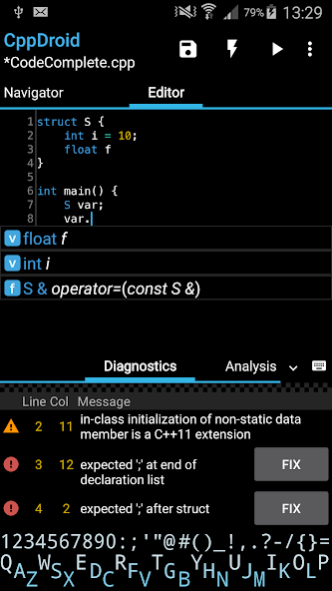
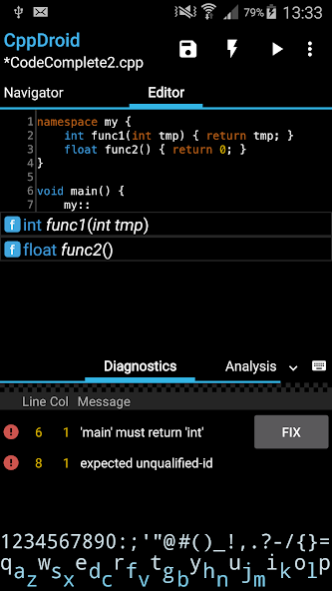
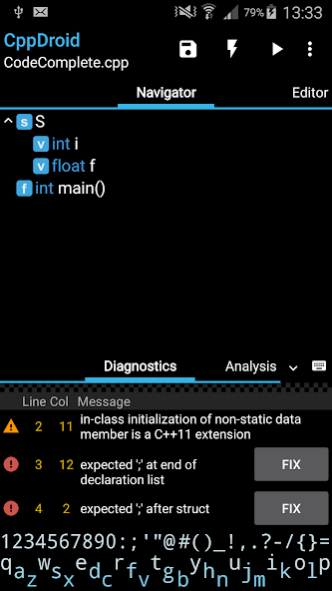
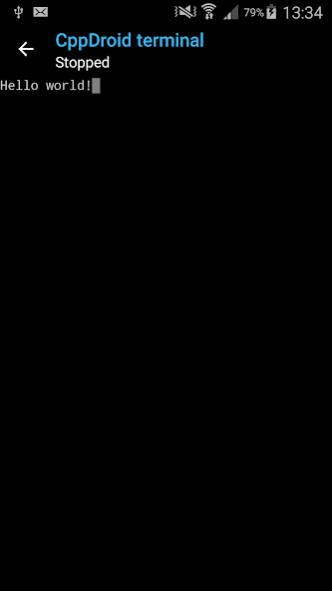
CppDroid is simple C/C++ IDE focused on learning programming languages and libraries.
Features:
* code complete *
* real-time diagnostics (warnings and errors) and fixes *
* file and tutorial navigator (variables, methods, etc)
* static analysis *
* smart syntax highlighting
* portrait/landscape UI
* auto indentation and auto pairing (configurable)
* configurable code syntax highlighting (themes) *
* compile C/C++ code (no root required)
* works offline (built-in compiler, no internet connection required)
* great C/C++ code examples included *
* detailed C++ tutorial and learn guide included *
* add-ons manager and auto updates
* Dropbox support *
* Google Drive support *
On first launch CppDroid extracts SDK (about
150Mb
) and downloads and extracts examples and tutorials, so about
215 Mb
of internal storage space is required. It can't be moved to sd card because of android security.
Start learning C and C++ by examples
(menu / Project / Examples)
or tutorials
(menu / Project / Tutorials).
App blog:
http://www.cppdroid.info
Advanced paid features (marked with *) review:
http://www.cppdroid.info/p/advanced-features.html
See also
ArduinoDroid app:
http://www.arduinodroid.info
About CppDroid - C/C++ IDE
The company that develops CppDroid - C/C++ IDE is Anton Smirnov. The latest version released by its developer is 3.3.3. This app was rated by 2 users of our site and has an average rating of 4.8.
To install CppDroid - C/C++ IDE on your Android device, just click the green Continue To App button above to start the installation process. The app is listed on our website since 2018-09-19 and was downloaded 2,362 times. We have already checked if the download link is safe, however for your own protection we recommend that you scan the downloaded app with your antivirus. Your antivirus may detect the CppDroid - C/C++ IDE as malware as malware if the download link to name.antonsmirnov.android.cppdroid is broken.
How to install CppDroid - C/C++ IDE on your Android device:
- Click on the Continue To App button on our website. This will redirect you to Google Play.
- Once the CppDroid - C/C++ IDE is shown in the Google Play listing of your Android device, you can start its download and installation. Tap on the Install button located below the search bar and to the right of the app icon.
- A pop-up window with the permissions required by CppDroid - C/C++ IDE will be shown. Click on Accept to continue the process.
- CppDroid - C/C++ IDE will be downloaded onto your device, displaying a progress. Once the download completes, the installation will start and you'll get a notification after the installation is finished.
Program Details
System requirements
Download information
Pricing
Version History
version 3.3.3
posted on 2018-09-19
Privacy Policy link added (menu > Help > Privacy Policy)
version
posted on 2017-08-17
Changed ad banner usage
version
posted on 2016-09-02
- offline mode improvements (taking into account advanced features)
version Varies with device
posted on 2014-05-21
Several fixes and updates
